
Put IPTV on your Smart TV by getting latest IPTV apps installed. Installing IPTV on a Smart TV is easy when you use the right IPTV player applications. This guide will show you how to install IPTV on Samsung Smart TVs, LG TVs, and Android TVs using the most reliable IPTV apps available today.
The most popular IPTV apps used by Smart TV users are:
- HotPlayer
- SmartOne IPTV
- Ibopro Player
HotPlayer IPTV Setup
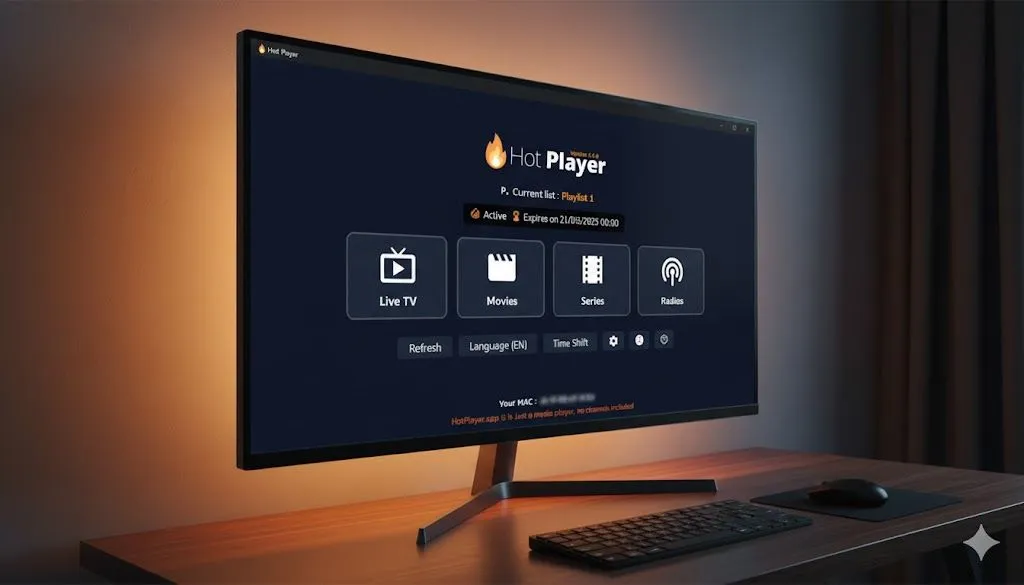
HotPlayer is a powerful IPTV media player that allows users to stream live TV channels and video-on-demand content by uploading an IPTV playlist.
Step 1 – Install the App
- Samsung Smart TV: Open Samsung Smart Hub
- LG Smart TV: Open LG Content Store
- Android TV: Open Google Play Store
Search for HotPlayer, HotPlayer Pro, or HOTIPTV and click Install.
Tip: If you are using the Downloader app you can install it using code 395800.
Step 2 – Get Your MAC Address
Open the HotPlayer app and note the MAC Address shown on the screen.
Step 3 – Upload Playlist
Visit the official upload website:
- Enter your MAC Address
- Paste your M3U Playlist URL
- Playlist name: Australia-IPTV
Click Save and restart the app to load your channels.
SmartOne IPTV Setup
SmartOne IPTV is another stable IPTV player compatible with Samsung, LG and Android TVs.
Step 1 – Install SmartOne IPTV
- Samsung – Open Smart Hub
- LG – Open LG Content Store
- Android – Open Google Play Store
Search for SmartOne IPTV and install the application.
Step 2 – Get MAC Address
Open the SmartOne IPTV app and note your MAC address displayed on the screen.
Step 3 – Upload Playlist
Visit the SmartOne IPTV playlist upload page and enter:
- Your TV MAC address
- Playlist name
- M3U Playlist URL
Click Add Playlist and restart the app.
Ibopro Player Setup
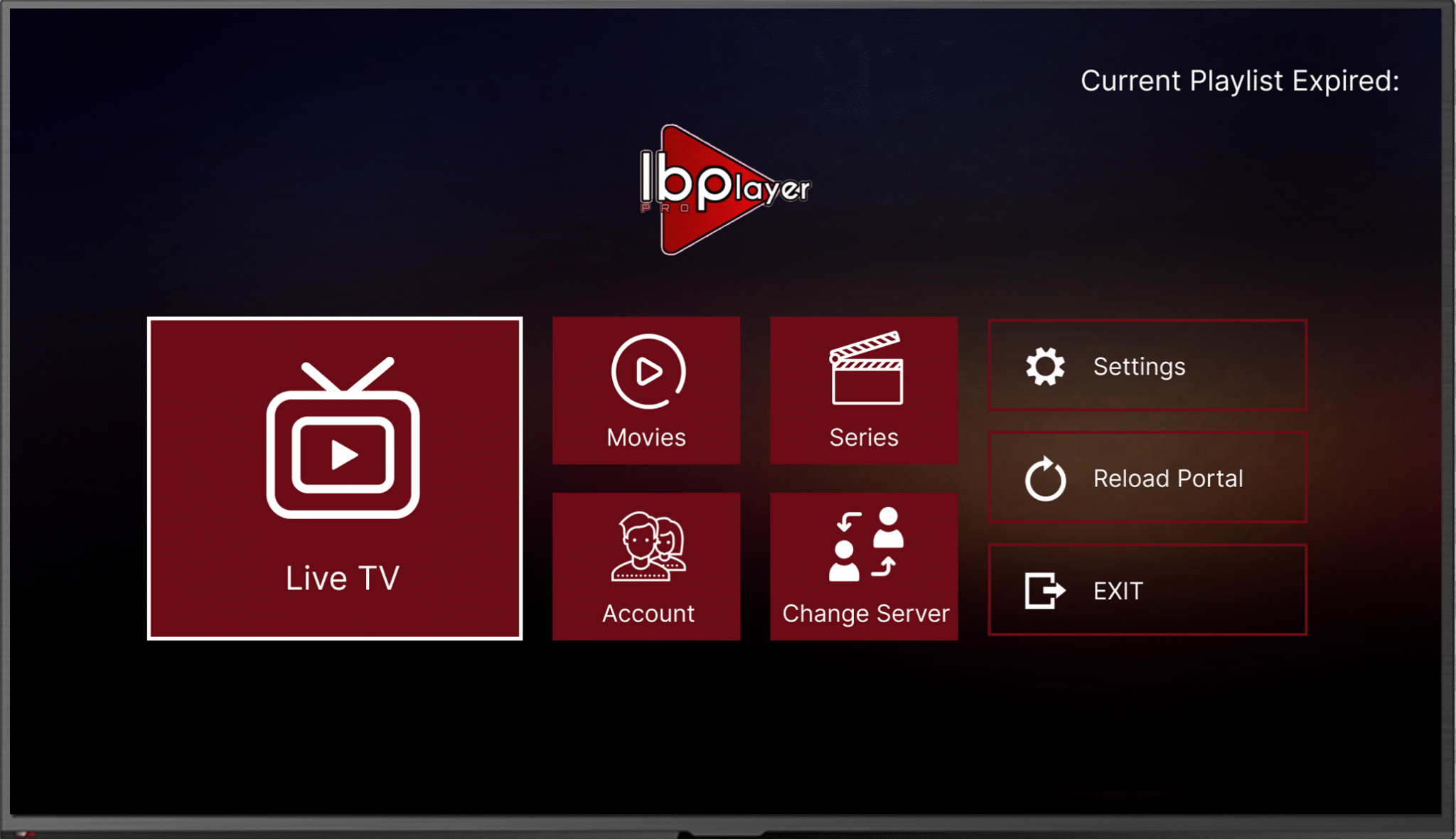
Ibopro Player is a popular IPTV player that supports playlist uploads and stable streaming on Smart TVs.
Step 1 – Install Ibopro Player
- Samsung – Smart Hub
- LG – Content Store
- Android – Google Play Store
Search for Ibopro Player and install the app.
Step 2 – Get Device Information
When opening the app you will see:
- MAC Address
- Device Key
Write both values exactly as displayed.
Step 3 – Upload IPTV Playlist
Log into the Ibopro web portal and paste your IPTV M3U Playlist URL.
Restart the app and your channels and movies will load automatically.
Congratulations you now know how to install IPTV on Smart TV and get IPTV apps on your Samsung and LG smart TV.